Test REST API responses without Postman (a lightweight workflow)
Replace Postman for quick API checks with a lightweight HTTP Requester. Send requests, inspect raw responses, and iterate fast—without collections, environments, or setup overhead.

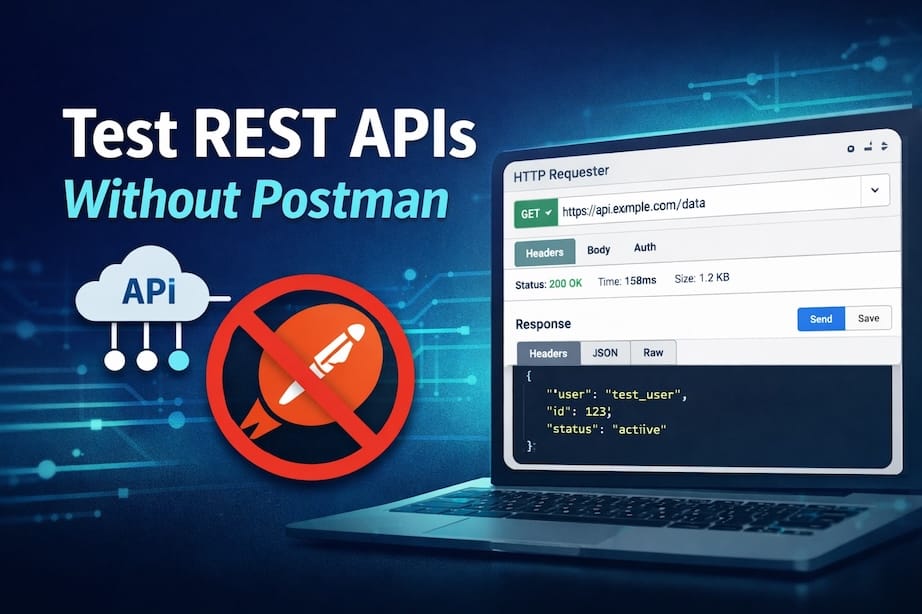
When Postman becomes the wrong tool
Postman is powerful, but that power comes with overhead:
- Login and workspace setup
- Collections, environments, variables
- Cognitive load for ad-hoc testing
- Slow feedback loop for single-use requests
In many real-world scenarios, the task is much simpler:
- Send one HTTP request
- Inspect status code, headers, and body
- Repeat a few times with small changes
For this class of work, a lightweight workflow is often more efficient than a full API client.
Minimum requirements for a lightweight API testing workflow
A minimal REST API testing workflow should:
- Require no project or collection setup
- Send a request immediately
- Show raw response data (status, headers, body)
- Allow fast iteration
curl satisfies (1) and (2), but falls short on (3) and (4). Postman excels at (3) and (4), but is heavy on (1).
The middle ground is a stateless, web-based HTTP requester from requestbin
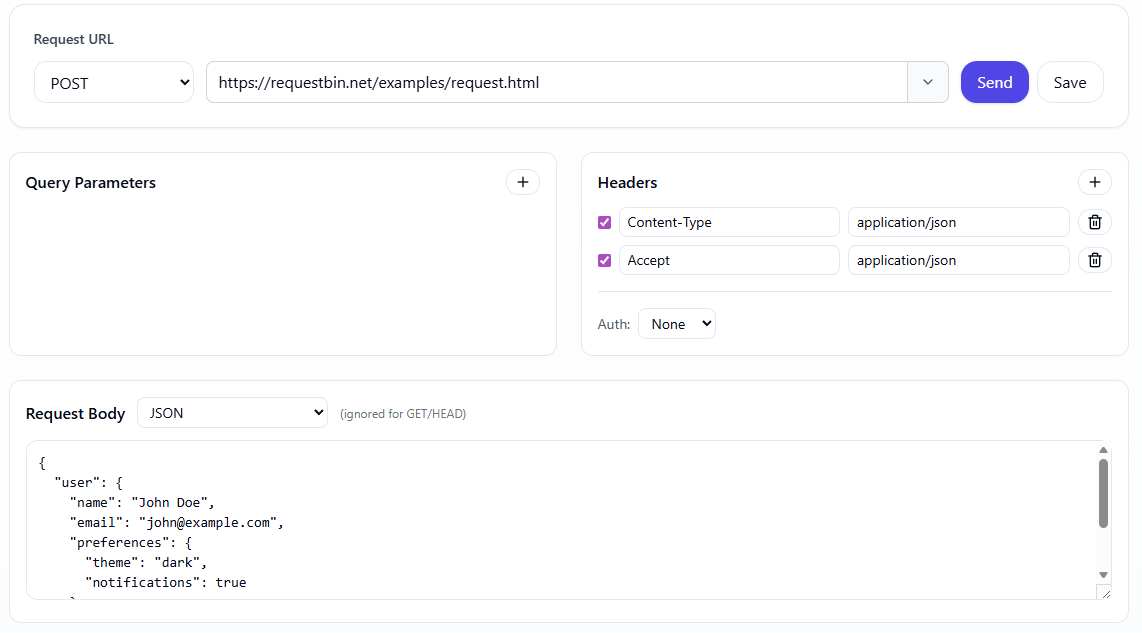
No extensions. No backend. No data collection — everything runs client-side for privacy and speed.
Workflow: test REST API responses without Postman
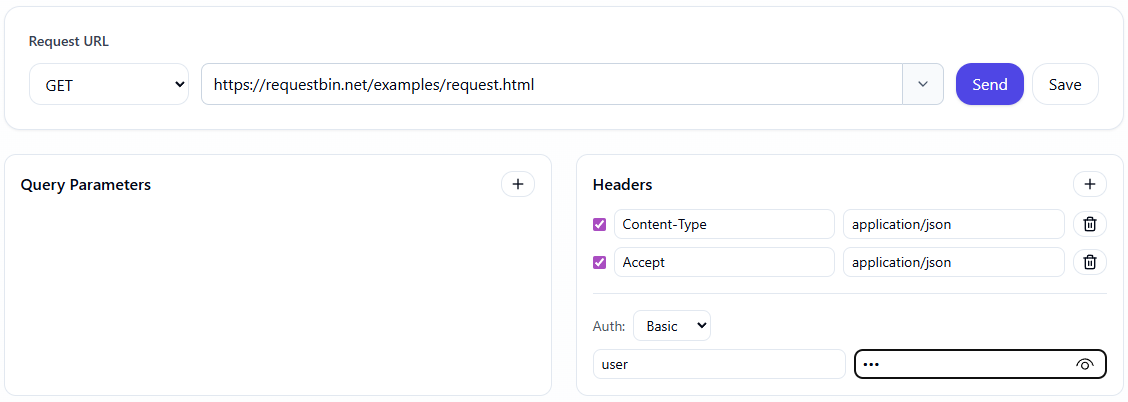
Step 1: Define the request
You only need the essentials:
- HTTP method: GET / POST / PUT / DELETE
- URL
- Headers (Authorization, Content-Type, etc.)
- Body (if applicable)
No collections. No environments.
Step 2: Send the request and inspect the response
After sending the request, you should clearly see:
- Status code (200, 401, 500, ...)
- Response headers
- Raw response body (JSON or text)
When debugging APIs, hidden information is lost information.
For example, a typical 400 response:
HTTP/1.1 400 Bad Request
Content-Type: application/json
X-Request-Id: 8f12a...

{
"error": "invalid_payload",
"field": "email"
}
Headers like X-Request-Id or X-RateLimit-Remaining are often critical when tracing issues across systems, yet are easy to miss in overly abstracted tools.
Step 3: Iterate quickly
During QA, you typically need to:
- Change a header value
- Modify a single field in the request body
- Re-send the request immediately
A lightweight workflow allows you to:
- Edit inline
- Re-run the request in seconds
- Compare responses visually
This is significantly faster than:
- Duplicating requests in Postman
- Switching environments
- Re-running collections
When should you save a request?
Not every request needs to be persisted.
You should save a request when:
- It reproduces a bug
- It needs to be shared with a teammate
- It will be reused for regression testing
Instead of exporting a collection, a revisitable URL is often sufficient.
Combining request testing with webhook inspection
A common workflow:
- Send a test request to your API
- The API triggers a webhook
- Inspect the webhook payload
In this case, you need:
- An HTTP requester to send the initial request
- A webhook endpoint to receive and inspect callbacks
When Postman is still the right choice
Postman remains a strong option when:
- Testing multi-step flows
- Using pre-request or test scripts
- Working with large teams and shared collections
For the majority of quick API checks, however, a lightweight workflow helps you:
- Reduce setup time
- Lower cognitive overhead
- Focus on the response, not the tool
Conclusion
If your goal is to:
- Test REST API responses quickly
- Debug status codes, headers, and payloads
- Avoid heavy setup
A stateless HTTP requester is a pragmatic alternative to Postman.