How to debug Vercel deployment webhooks
Vercel deployment webhooks are how you wire deploys into Slack, PagerDuty, or your own alerting. If they fail silently, you find out the next time a prod deploy breaks. Here's the debug loop.

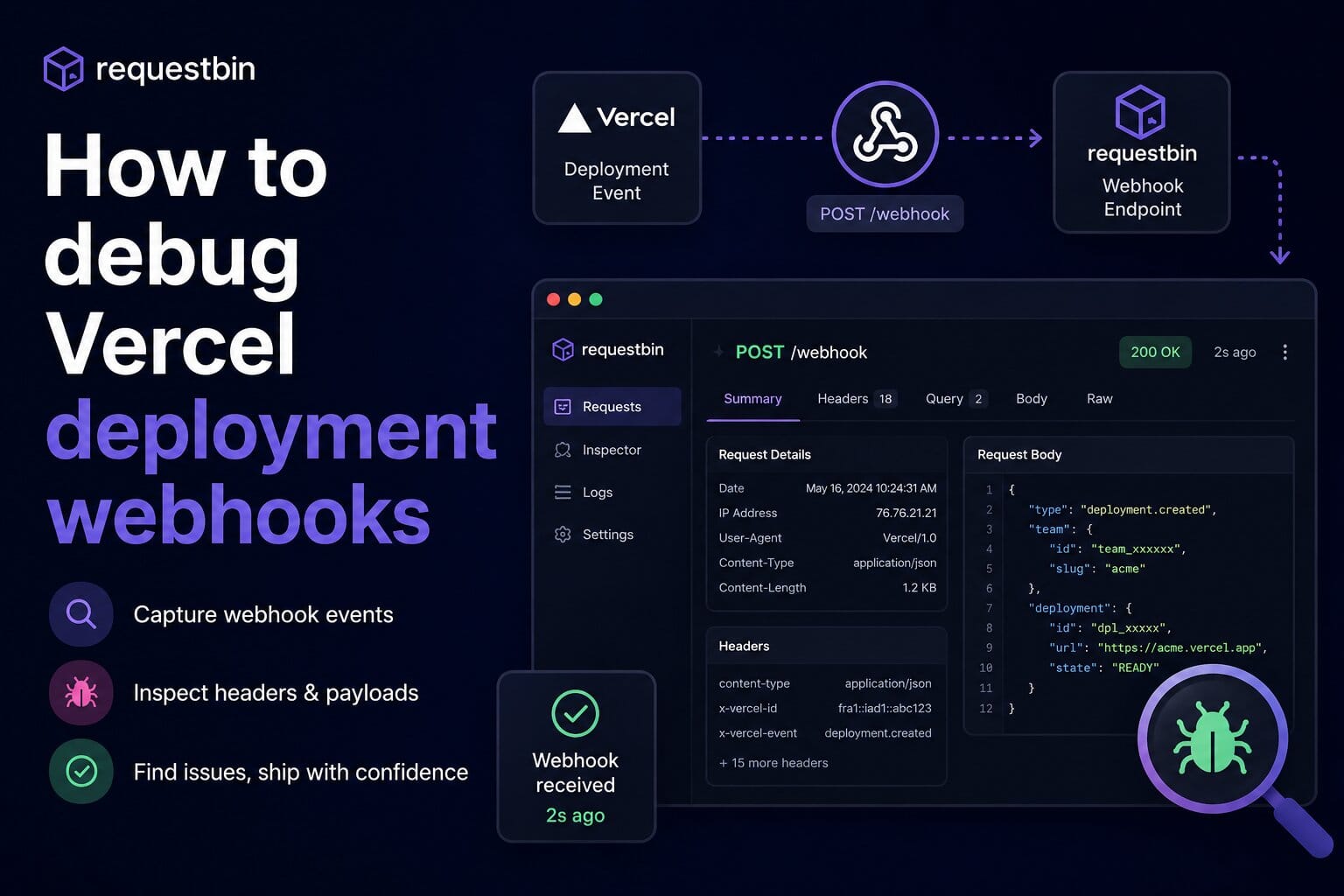
Vercel sends webhook events on deployment.created, deployment.succeeded, deployment.error, deployment.canceled. Most teams wire them into Slack, PagerDuty, or a custom dashboard. Most teams also discover their handler is broken the first time a real prod deploy fails — i.e. exactly when you needed the alert to fire.
This walkthrough sets up the dev loop so you can debug the alerting before you trust it.
What Vercel actually sends
Sample deployment.succeeded payload:
{
  "id": "evt_8KqRz3xR9VYn",
  "type": "deployment.succeeded",
  "createdAt": 1716220800000,
  "payload": {
    "deployment": {
      "id": "dpl_5tx7VkBcNN1aFqM2C",
      "url": "requestbin-abc123.vercel.app",
      "name": "requestbin",
      "target": "production",
      "meta": { "branchAlias": "requestbin-git-main.vercel.app" }
    },
    "project": { "id": "prj_abcdef123", "name": "requestbin" },
    "team": { "id": "team_xyz789" }
  }
}
Headers include X-Vercel-Signature for verification.
Setup the dev loop
1. Get a bin URL
Sign up at requestbin.net. Create a bin → copy URL.
2. Wire it into Vercel
Vercel Dashboard → Team Settings → Integrations → Outgoing Webhooks → Create Webhook. Paste the bin URL. Select events: deployment.created, deployment.succeeded, deployment.error, deployment.canceled.
3. Trigger a deploy
Push to your test branch. Watch the events land in the bin in real time.
Common failure modes
Wrong target environment
The payload has target: 'production' for prod deploys and target: 'preview' for branch previews. If your Slack alert fires for every preview deploy you'll page your team 50 times a day. Filter on target === 'production' in your handler.
deployment.error has different fields
The error payload includes an errorMessage field that deployment.succeeded doesn't. If your handler treats them uniformly it'll either crash on missing fields or report the wrong info. Inspect both event types in the bin before writing the handler.
Signature verification
Vercel signs with X-Vercel-Signature using HMAC-SHA1 of the raw body. Same gotchas as Stripe — your handler must read the raw body before any JSON parsing middleware touches it.
Replay a failed deploy event locally
Production deploy broke at 3am. You need to reproduce the alert path locally before fixing it. The captured bin event has the exact payload Vercel sent.
In the bin inspector, click Replay. RequestBin re-fires the captured request to your endpoint. Free on every plan. Useful when:
- You changed your alert routing code and want to verify the same payload still flows correctly
- You need to test a fix without waiting for the next real failure (you don't)
- Your handler crashed mid-execution and you want to re-run after fixing the bug
Test before wiring to PagerDuty
The whole point of this loop is: don't wire a deploy webhook directly to PagerDuty until you've inspected enough real payloads to know your filtering + alert routing is correct. RequestBin sits between Vercel and your alert sink during development. Once you're confident, swap the bin URL out for your real handler.