How to create a public mock API endpoint in 60 seconds
Spin up a public mock API endpoint that returns canned responses in 60 seconds. No backend, no install, no credit card. Includes a side-by-side comparison with running your own Express stub.

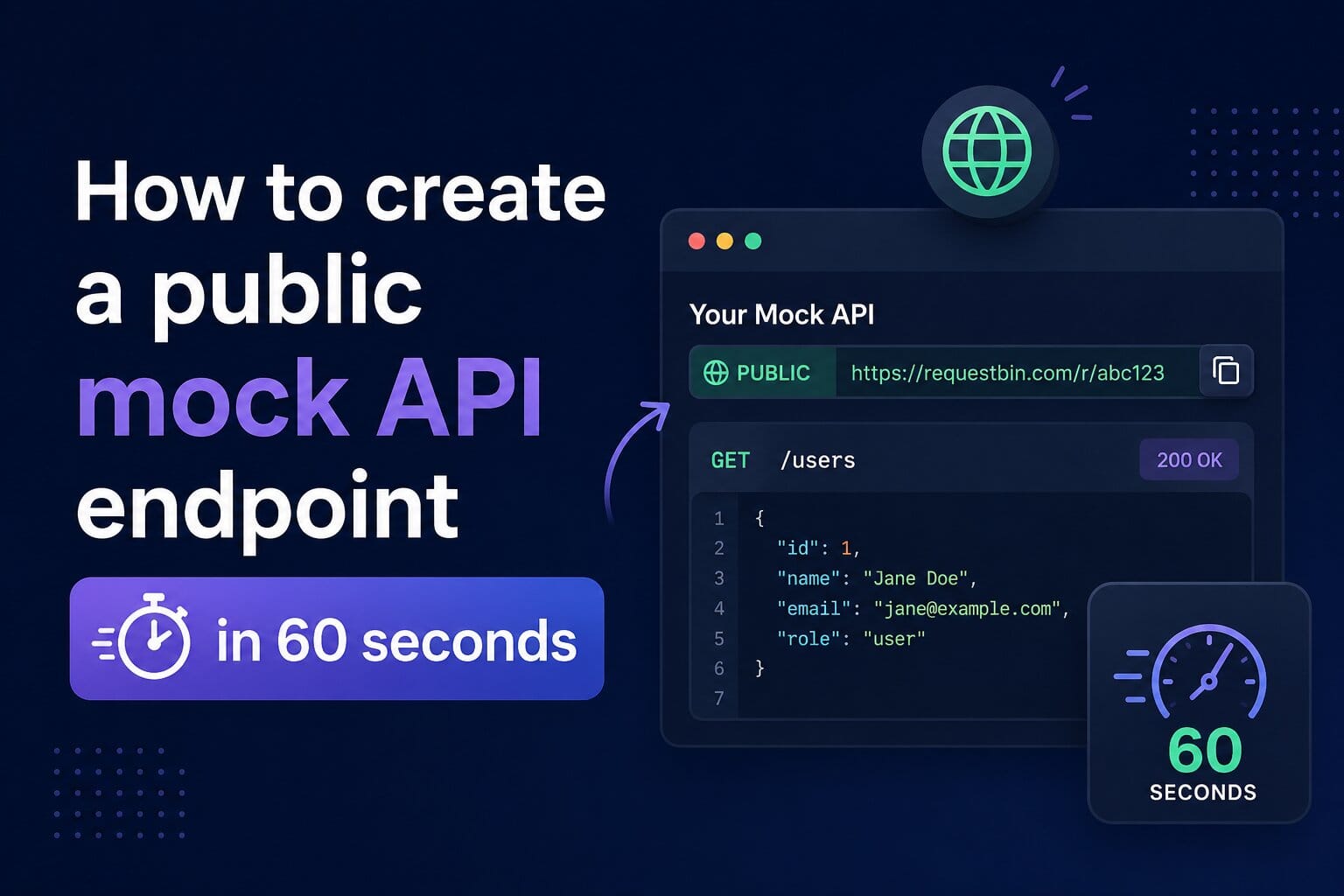
Sometimes you need a public URL that returns canned JSON. Right now. Not after 30 minutes of writing an Express stub, picking a hosting provider, and arguing with ngrok.
This walkthrough gets you there in under a minute on RequestBin's free plan.
What you'll get
- A live HTTPS URL on the
rbmock.devdomain - Rule-based routing — match a method/path, return a status + body
- Every incoming hit captured for inspection (so you can verify the integration actually called it)
The 60-second walkthrough
1. Create a mock endpoint (~10s)
Sign up at requestbin.net (no credit card on the free plan). Click Mock APIs → New Mock API. You'll get a URL like https://abc12xyz.rbmock.dev.
2. Add a rule (~30s)
On the new mock's detail page, click Add rule:
- Method:
GET - Path:
/users/1 - Status:
200 - Body:
{ "id": 1, "name": "Test User" } - Content-Type header:
application/json
Save the rule.
3. Deploy (~5s)
Click Deploy. The rule is now live on the public URL.
4. Verify (~15s)
curl https://abc12xyz.rbmock.dev/users/1
# > {"id":1,"name":"Test User"}
The request also lands in the Requests tab of the mock detail page so you can confirm the integration actually called it (not just your local curl).
Compare: rolling your own
Equivalent setup with Express:
- Write
app.get('/users/1', (req, res) => res.json(...)) - Pick a hosting provider (Vercel? Fly? Render?)
- Configure a project + deploy + wait for build
- Get an HTTPS URL — but you still don't have inspection of incoming hits
Or with webhook.site / Beeceptor:
- webhook.site doesn't do canned responses (inspection only)
- Beeceptor caps free at 50 requests/day per endpoint
When this is the wrong tool
RequestBin's mock APIs aren't a substitute for production. Bodies cap at 100KB, latency isn't tuned for synthetic load testing, and the routing engine is rule-based (not handler code). Use it for:
- Frontend dev while the real backend is still being built
- Wiring a third-party integration to a known-good response
- Reproducing a captured webhook for local debugging
Going further
- Stripe webhook tester — preconfigured for Stripe events
- GitHub webhook tester — push / PR / issues events
- Drive it from Claude Code / Cursor via MCP