Port Forwarding Exposed: Understanding the Security Risks and How to Protect Your Network
Port forwarding can expose your network to hackers. From brute force attacks to IoT breaches, the risks are real. Discover key security threats and 12 practical steps—like strong passwords and firewalls—to protect your setup. Secure your gaming, remote work, or smart home safely!

1. Introduction to Port Forwarding
- What is Port Forwarding?
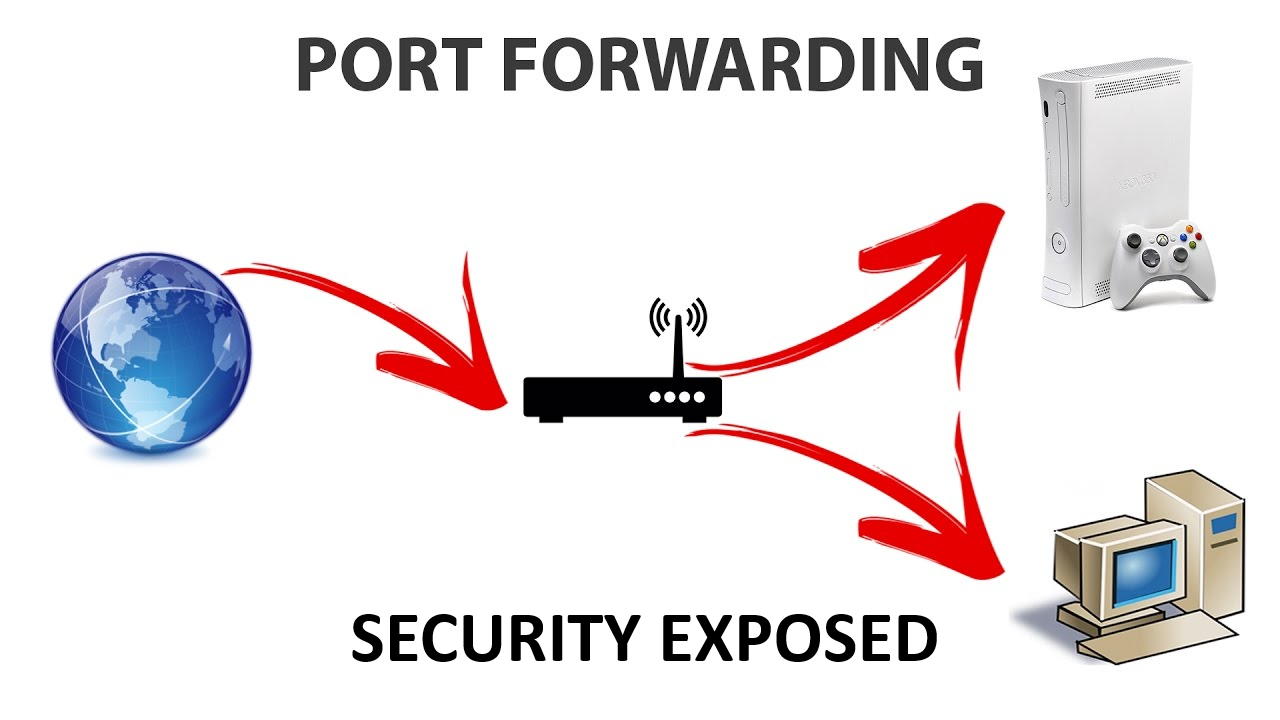
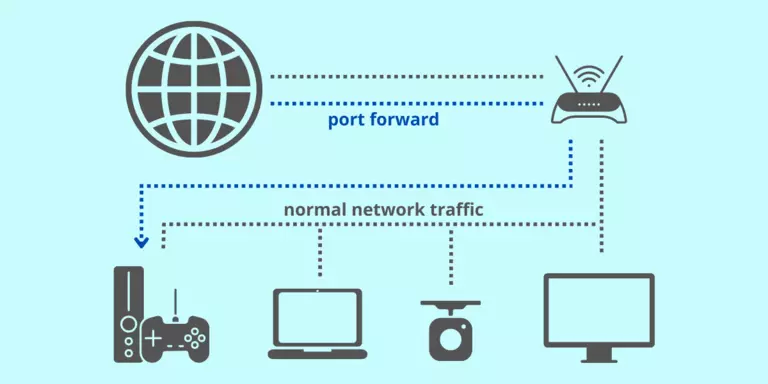
Port forwarding allows external devices to connect to specific services on your private network by opening designated ports on your router. It’s like setting up a pathway for traffic—useful for hosting game servers, accessing security cameras remotely, or running a website. - Why It’s Popular
It’s a convenient way to enable remote access or improve experiences like online gaming. However, this convenience comes with risks, which we’ll dive into shortly.
2. The Security Risks of Port Forwarding
Port forwarding can open your network to several dangers. Here’s what you need to know:
- Direct Internet Exposure
Forwarded ports make your services visible to the internet, inviting potential attacks. - Exploiting Vulnerabilities
Unpatched software on exposed services can be a gateway for hackers. - Brute Force Attacks
Services like RDP or SSH can be targeted with relentless password-guessing attempts. - Weak or No Authentication
Default or simple passwords (especially on IoT devices) make entry easy for attackers. - Misconfiguration Mistakes
Errors in setup might expose unintended services. - Firewall Weakness
Open ports bypass your router’s firewall, reducing protection. - Unencrypted Data Risks
Without encryption, data sent through these ports can be intercepted.

3. Real-World Examples
These real incidents highlight the risks:
- IoT Hacks
Hackers have exploited open ports on home cameras to spy or launch attacks. - RDP Ransomware
Businesses with exposed RDP ports have been hit with ransomware, locking systems until ransoms are paid. - Gaming Server Breaches
Gamers hosting servers have had networks compromised due to lax security.

4. Best Practices for Safer Port Forwarding
You can still use port forwarding safely with these tips:
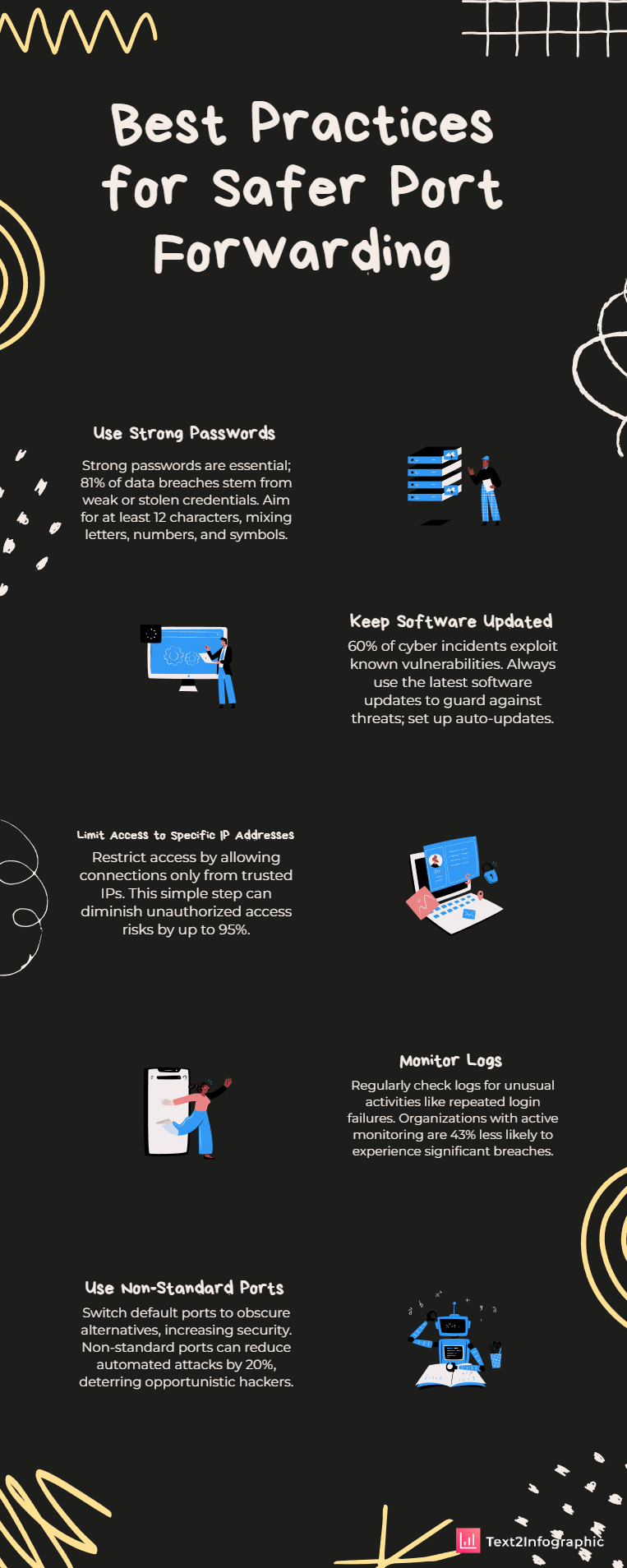
- Use Strong Passwords
Set long, unique passwords (12+ characters with letters, numbers, and symbols) for every exposed service or device. Never stick with defaults, and update them regularly. - Keep Software Updated
Always run the latest software versions to patch vulnerabilities. Enable auto-updates where possible, or check for updates manually. - Limit Access to Specific IP Addresses
If your router allows it, restrict connections to trusted IPs only—like your work or home address—to block random outsiders. - Monitor Logs
Check your router or service logs for odd activity, like repeated login failures, which might signal an attack in progress. - Use Non-Standard Ports
Switch default ports (e.g., 22 for SSH) to something less obvious (e.g., 2222). It won’t stop determined hackers, but it deters casual scans. - Turn Off Unused Services
Minimize risk by disabling unnecessary services on the exposed device—like file sharing when you only need a game server. - Implement a Firewall
Add a device-level firewall to filter incoming traffic, even if the router’s firewall is bypassed by port forwarding. - Enable Two-Factor Authentication (2FA)
If available, turn on 2FA for an extra security layer—like a code sent to your phone—making it tougher for attackers to get in. - Use Secure Protocols
Stick to encrypted options like HTTPS or SFTP to protect data in transit from prying eyes. - Regularly Scan for Vulnerabilities
Use tools like Nmap to test your setup for weaknesses and fix them before hackers find them. - Set Up a DMZ
Place the exposed device in a Demilitarized Zone (DMZ) to isolate it from the rest of your network, limiting damage if it’s compromised. - Assign a Static IP
Give the device a fixed IP so forwarding rules don’t break if the address changes after a reboot.
5. Smarter Alternatives
If port forwarding feels too risky, try these safer options:
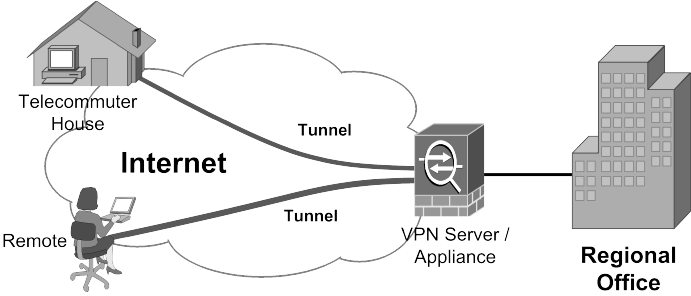
- VPNs (Virtual Private Networks)
A VPN offers secure remote access via an encrypted tunnel—no open ports needed. Many routers support VPNs, or you can use tools like OpenVPN. - Reverse Proxies
A reverse proxy masks your internal setup while allowing external access. Tools like NGINX can handle this with added security. - Cloud Services
Skip local hosting entirely with cloud platforms like AWS or Google Cloud, which manage security for you.
6. Conclusion
Port forwarding offers flexibility but carries serious risks—from hackers to data breaches. By understanding these dangers and using best practices (or switching to alternatives), you can protect your network. Take a moment to review your setup and secure it today!