Mastering API Rate Limiting: Strategies, Implementation, and Testing
This guide explores the necessity of API rate limiting, common rate-limiting techniques, and practical ways to test rate limits using tools like RequestBin, Postman, and Insomnia. Follow our actionable strategies to master API rate limiting and optimize your API performance.


Why API Rate Limiting Matters
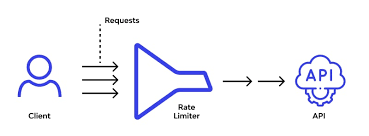
API rate limiting prevents abuse, ensures equitable resource distribution, and maintains server stability. Without it, APIs risk overloading, leading to downtime or degraded performance. Key benefits include:
- Resource Protection: Prevents server overload by capping request volume.
- Cost Management: Reduces unnecessary API calls, lowering operational costs.
- Security Enhancement: Mitigates denial-of-service (DoS) attacks.
- User Experience: Ensures consistent performance for all clients.
Common Use Cases for Rate Limiting
Rate limiting is essential for public APIs, SaaS platforms, and microservices. For example:
- Social media APIs (e.g., Twitter API) limit requests to prevent scraping.
- Payment gateways restrict transaction requests to ensure security.
- SaaS tools use rate limits to enforce subscription tier quotas.
Popular API Rate-Limiting Techniques
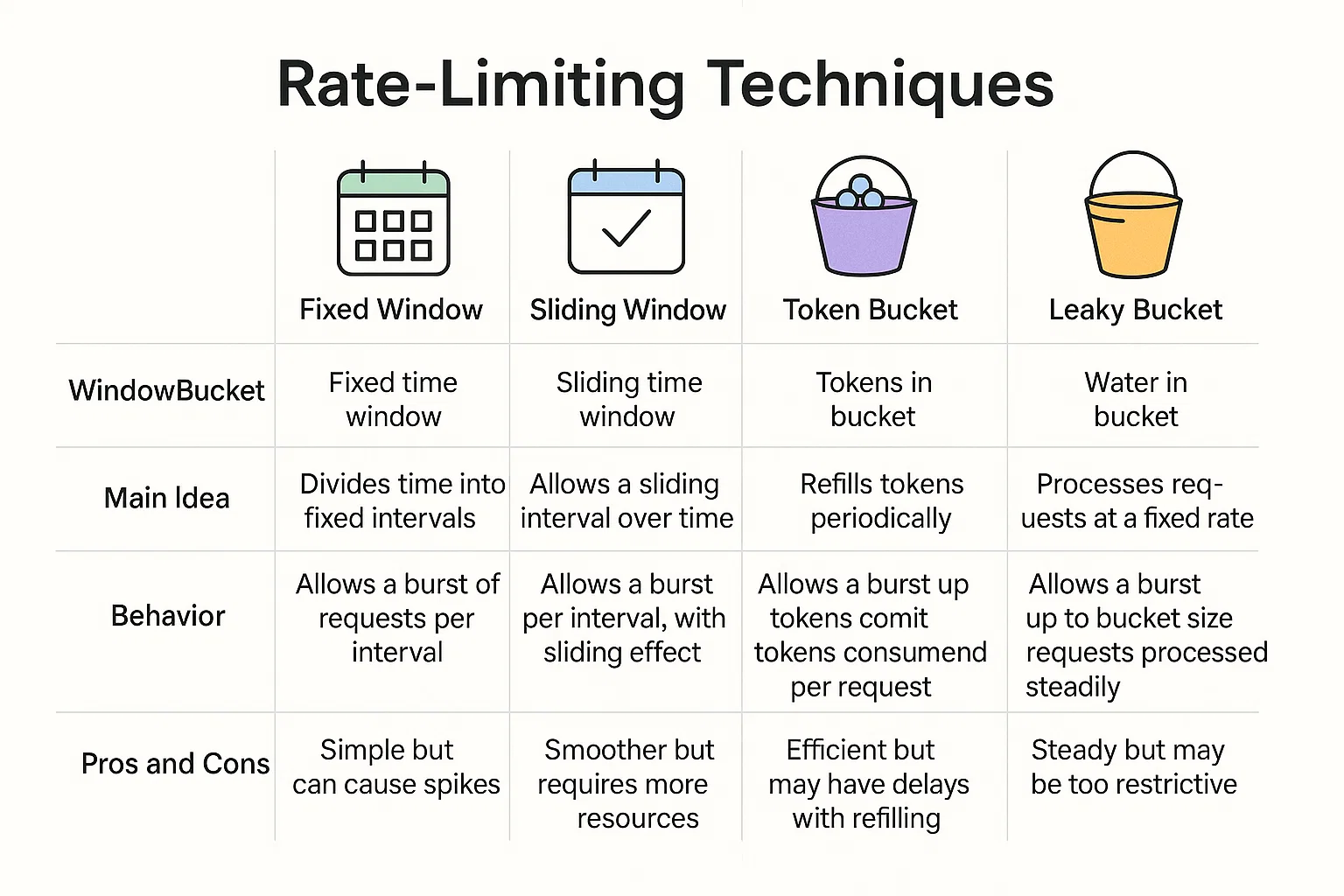
Choosing the right rate-limiting technique depends on your API’s requirements. Below are the most common methods, with examples of how they work.
1. Fixed Window Rate Limiting
This technique allows a fixed number of requests within a time window (e.g., 100 requests per hour). Once the window resets, the counter restarts.
- Pros: Simple to implement.
- Cons: Can allow bursts at window boundaries.
- Example: A user can make 100 requests from 12:00–1:00 PM; the counter resets at 1:00 PM.
Code Example (Node.js with Express):
const rateLimit = require('express-rate-limit');
const limiter = rateLimit({
  windowMs: 60 * 60 * 1000, // 1 hour
  max: 100 // 100 requests per window
});
app.use(limiter);
2. Sliding Window Rate Limiting
Sliding window tracks requests over a rolling time period, offering smoother control than fixed windows.
- Pros: Prevents bursts at window edges.
- Cons: Requires more complex storage (e.g., Redis).
- Example: Limits 100 requests in the last 60 minutes, checked continuously.
3. Token Bucket Rate Limiting
Clients receive tokens at a fixed rate, and each request consumes a token. If no tokens remain, requests are rejected until more tokens are added.
- Pros: Handles bursts effectively.
- Cons: Requires token management logic.
- Example: AWS API Gateway uses token bucket for throttling.
4. Leaky Bucket Rate Limiting
Requests are processed at a constant rate, like water leaking from a bucket. Excess requests are queued or discarded.
- Pros: Smooths traffic spikes.
- Cons: May introduce latency for queued requests.
- Example: Suitable for message queues or streaming APIs.
Implementing API Rate Limiting
Implementing rate limiting requires careful planning. Below are steps to integrate rate limiting into your API.
Step 1: Define Rate Limit Policies
- Determine request limits based on user tiers (e.g., free vs. premium).
- Set time windows (e.g., per minute, hour, or day).
- Example: Free users get 50 requests/hour; premium users get 500 requests/hour.
Step 2: Choose a Rate-Limiting Library
Use libraries to simplify implementation:
- Node.js: express-rate-limit or rate-limiter-flexible.
- Python: flask-limiter or django-ratelimit.
- Ruby: rack-attack.
Step 3: Store Rate Limit Data
- In-Memory: Use Redis or Memcached for fast access.
- Database: Store user-specific limits for persistent tracking.
- Example: Redis stores a user’s request count with a TTL (time-to-live).
Step 4: Return Clear Error Responses
When limits are exceeded, return a 429 Too Many Requests status with headers like Retry-After.
Example Response:
{
  "error": "Rate limit exceeded. Try again in 3600 seconds.",
  "retry_after": 3600
}
Image Specification: Screenshot of a 429 Too Many Requests error in Postman. Search keywords: "429 error API Postman."
Testing API Rate Limits with RequestBin and Other Tools
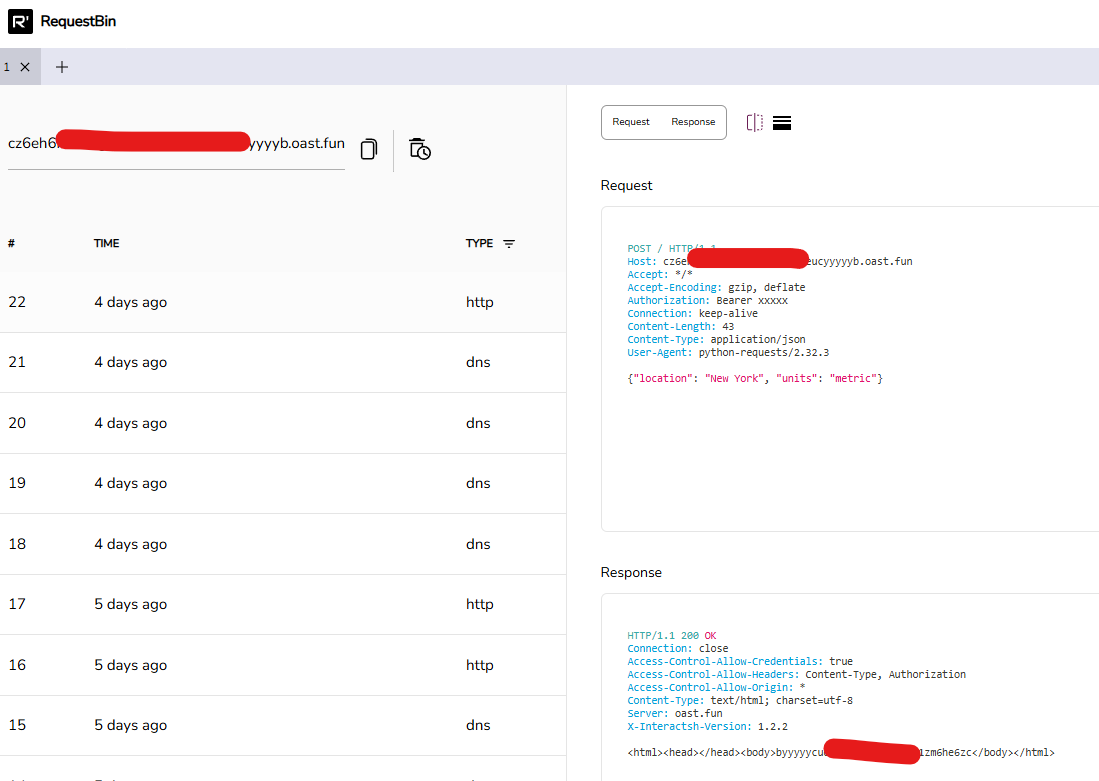
Testing ensures your rate-limiting implementation works as expected. RequestBin is a powerful tool for inspecting API requests, complemented by Postman or Insomnia for sending requests.
Step 1: Set Up RequestBin
- Create a RequestBin endpoint at RequestBin.
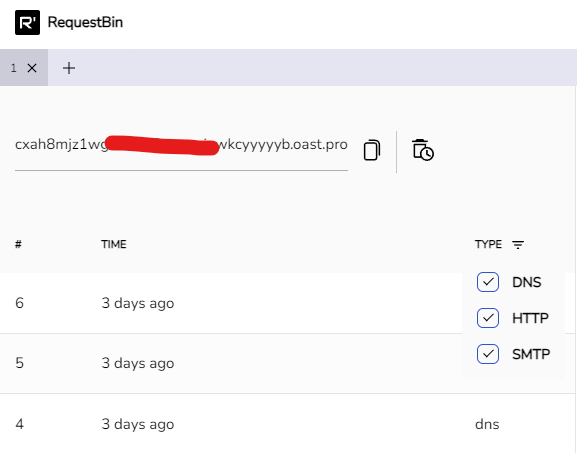
2. Send API requests to this endpoint to capture headers, payloads, and rate-limit responses.
- Monitor incoming requests in real-time.
Step 2: Simulate Requests with Postman
- Create a Postman collection with multiple API calls.
- Use Postman’s Runner to send requests at high frequency.
- Check for 429 errors and Rate-Limit headers.
Tip: Use Postman scripts to automate rate-limit testing:
if (pm.response.code === 429) {
  console.log("Rate limit hit! Retry-After: ", pm.response.headers.get("Retry-After"));
}
Step 3: Test with Insomnia
Insomnia offers similar functionality:
- Create a request chain to simulate rapid API calls.
- Monitor response headers for rate-limit details.
- Export results for documentation.
Step 4: Analyze Results
- Verify that limits are enforced (e.g., 100 requests/hour).
- Check for accurate Retry-After values.
- Ensure error messages are user-friendly.
Best Practices for API Rate Limiting
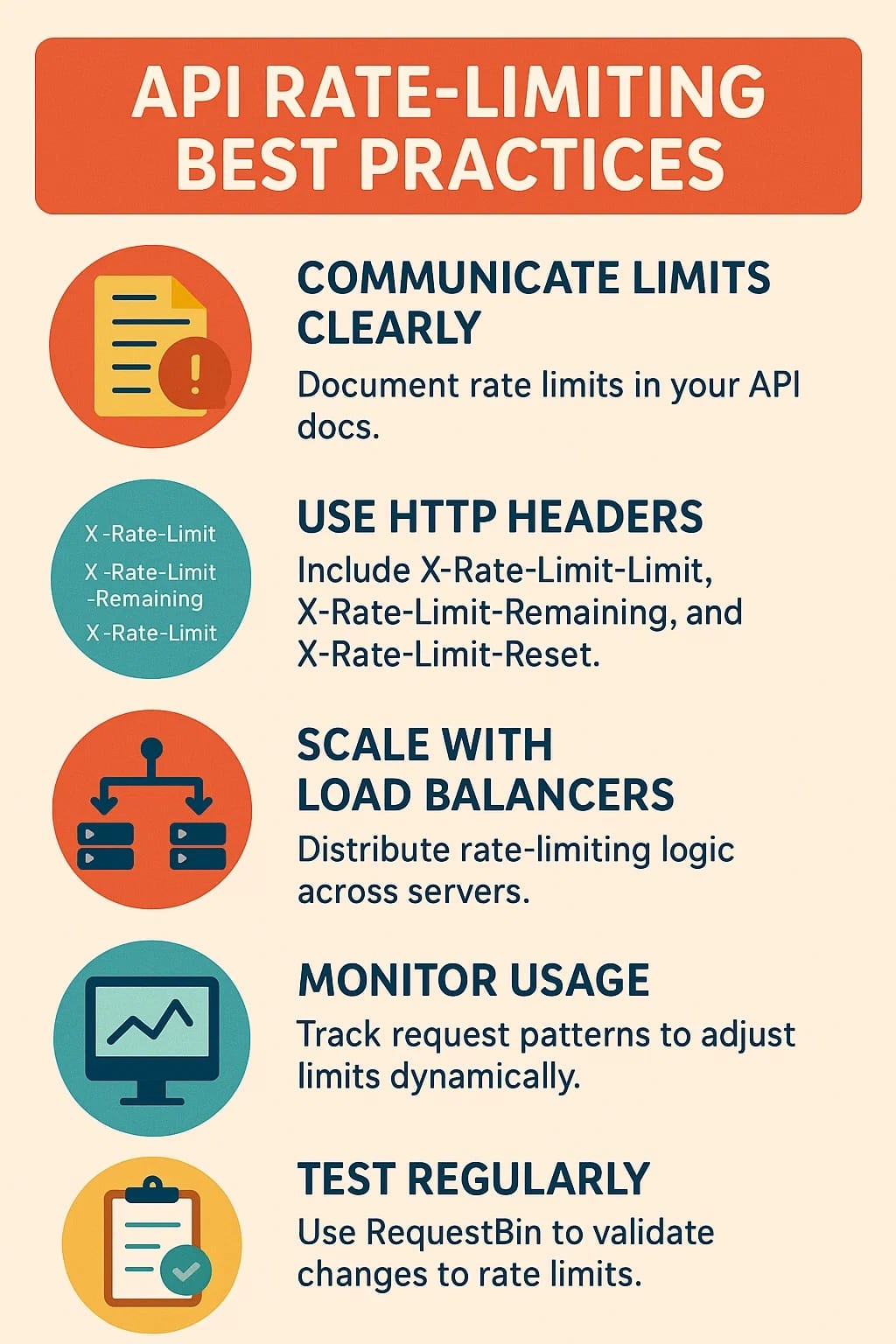
- Communicate Limits Clearly: Document rate limits in your API docs.
- Use HTTP Headers: Include X-Rate-Limit-Limit, X-Rate-Limit-Remaining, and X-Rate-Limit-Reset.
- Scale with Load Balancers: Distribute rate-limiting logic across servers.
- Monitor Usage: Track request patterns to adjust limits dynamically.
- Test Regularly: Use RequestBin to validate changes to rate limits.
Conclusion
Mastering API rate limiting is essential for building scalable, secure, and reliable APIs. By understanding techniques like fixed window, sliding window, token bucket, and leaky bucket, you can implement effective rate-limiting strategies. Tools like RequestBin, Postman, and Insomnia make testing straightforward, ensuring your limits work as intended.