Debugging Webhooks with RequestBin.net: A Step-by-Step Guide
Struggling to debug webhooks? Discover how RequestBin.net simplifies the process with real-time HTTP request inspection. This step-by-step guide shows you how to capture, analyze, and troubleshoot webhooks effortlessly.


Webhooks are a powerful mechanism for automating workflows by sending real-time data between applications. However, when they fail—due to incorrect payloads, misconfigured headers, or network issues—debugging them can feel like a daunting task. Fortunately, RequestBin.net offers a free and intuitive solution to capture, inspect, and analyze HTTP requests, including webhooks, in real-time. In this step-by-step guide, we’ll show you how to debug webhooks effectively using RequestBin.net.
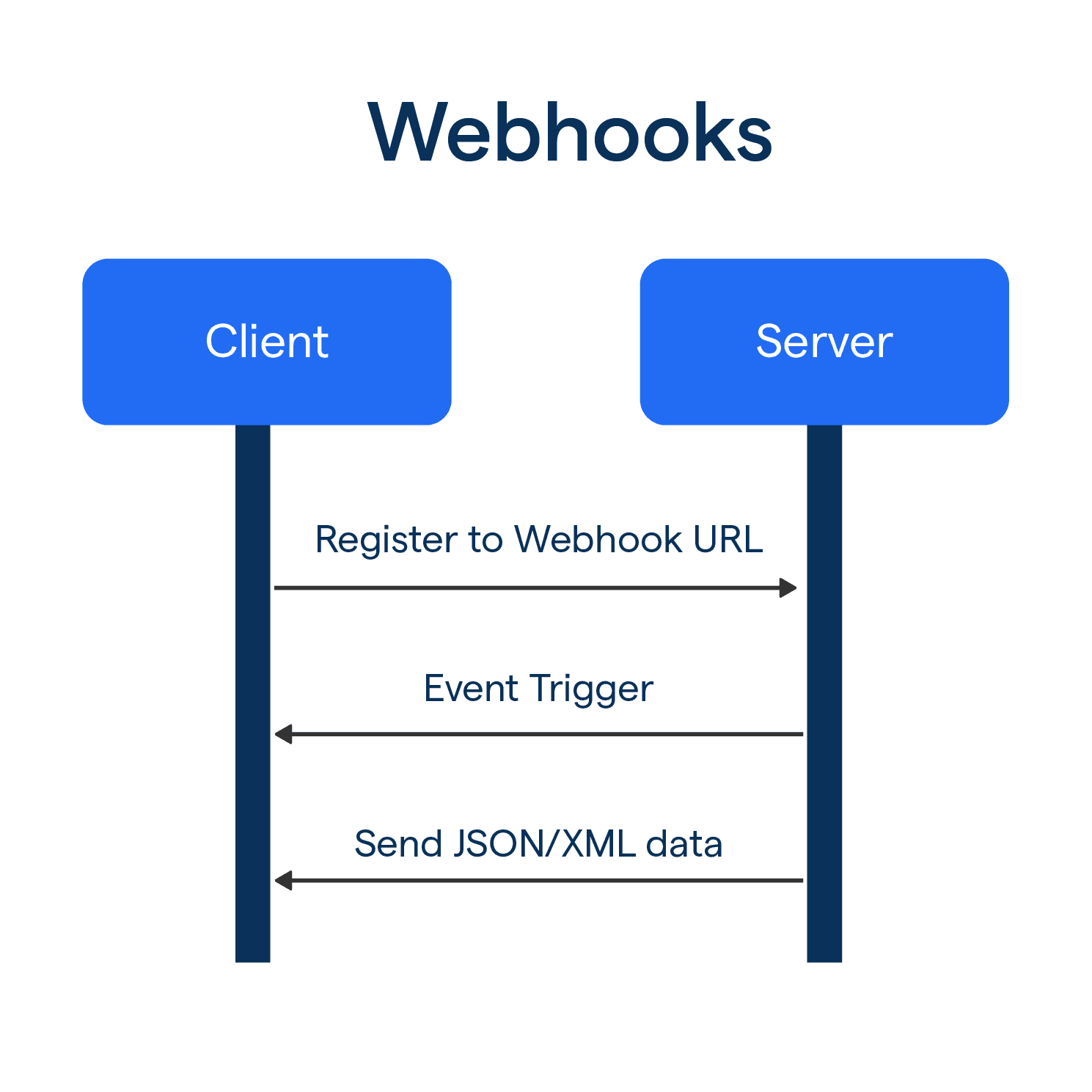
Whether you’re a developer troubleshooting an API integration or a security researcher exploring tools like Interactsh, this tutorial will equip you with actionable steps to master webhook debugging.
Why Debug Webhooks with RequestBin.net?
Webhooks can be unpredictable, and pinpointing the root cause of a failure requires visibility into the request data. RequestBin.net simplifies this process by:
- Generating a unique URL (a "bin") to capture incoming requests.
- Displaying detailed request information—headers, body, and query parameters—in an easy-to-read format.
- Providing real-time logs for immediate feedback.
Beyond basic HTTP inspection, RequestBin.net also supports advanced features like DNSBin and integration with Interactsh, making it a versatile tool for both development and security testing.
Step 1: Create a Request Bin
A "bin" is your temporary endpoint for capturing webhook requests. Here’s how to set one up:
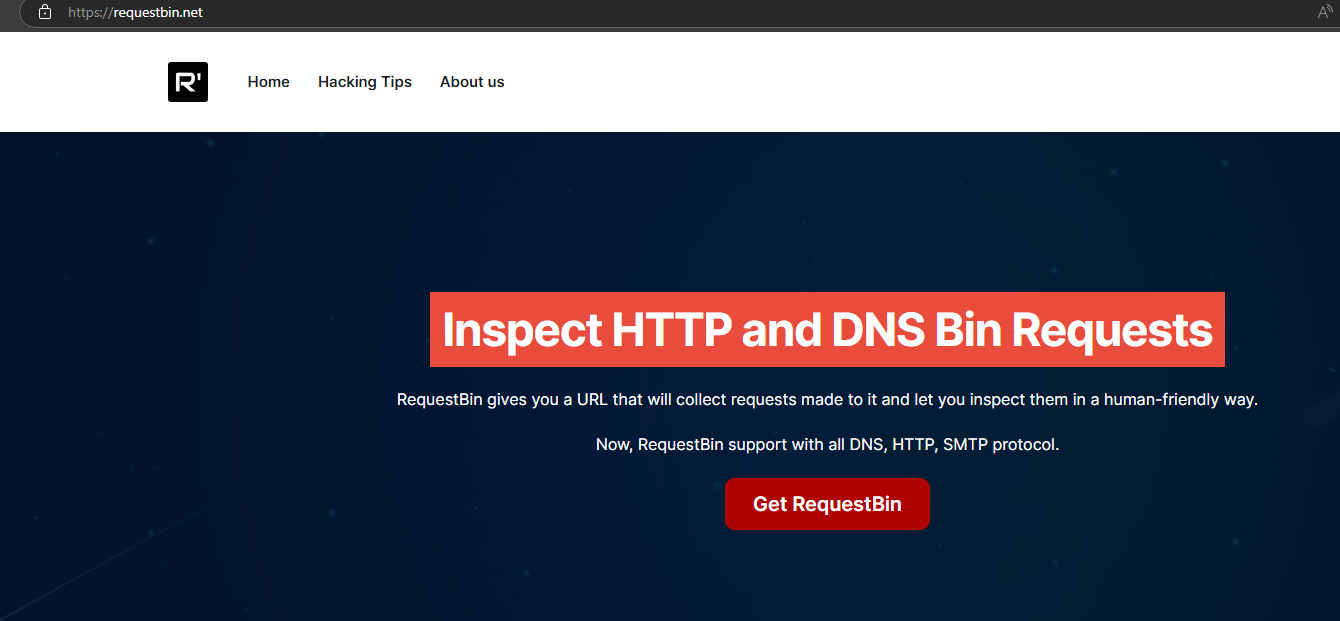
- Navigate to RequestBin.net.
- Click the "Get RequestBin" button.
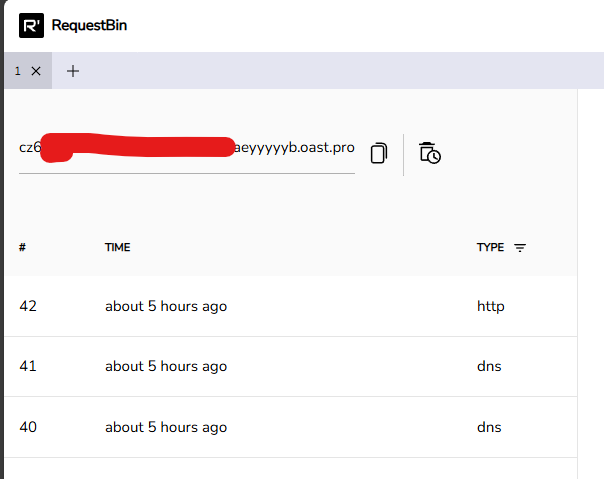
- Copy the unique URL provided (e.g., https://<id>.oast.pro).
Step 2: Set Up Your Webhook
Next, configure your application or service to send webhook requests to your bin’s URL. For example, if you’re using GitHub:
- Go to your repository’s Settings > Webhooks.
- Click "Add webhook".
- Paste your RequestBin URL at Step 1 into the "Payload URL" field.
- Select the events you want to trigger the webhook (e.g., push events).

Step 3: Send a Test Request
Trigger the webhook from your service (e.g., push a commit in GitHub) or send the request via Postman. The request will appear in your RequestBin dashboard almost instantly.
- Real-Time Feedback: RequestBin.net updates live, so you’ll see the request as soon as it arrives.


Step 4: Analyze the Captured Request
Click on the request in the dashboard’s left panel to dive into its details:
- Headers: Look for authentication tokens, content types, or custom headers.
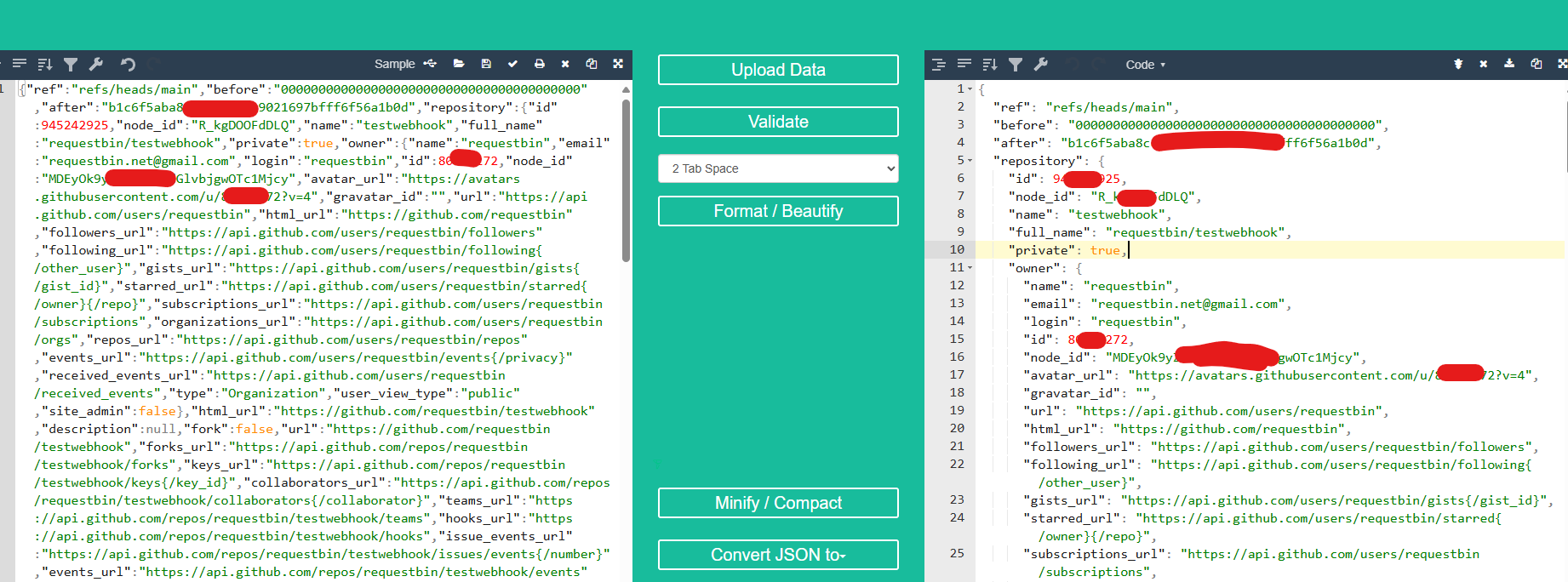
- Body: Confirm the payload matches your expectations (e.g., JSON structure, field values).
- Query Parameters: Check for any additional URL parameters, if applicable.
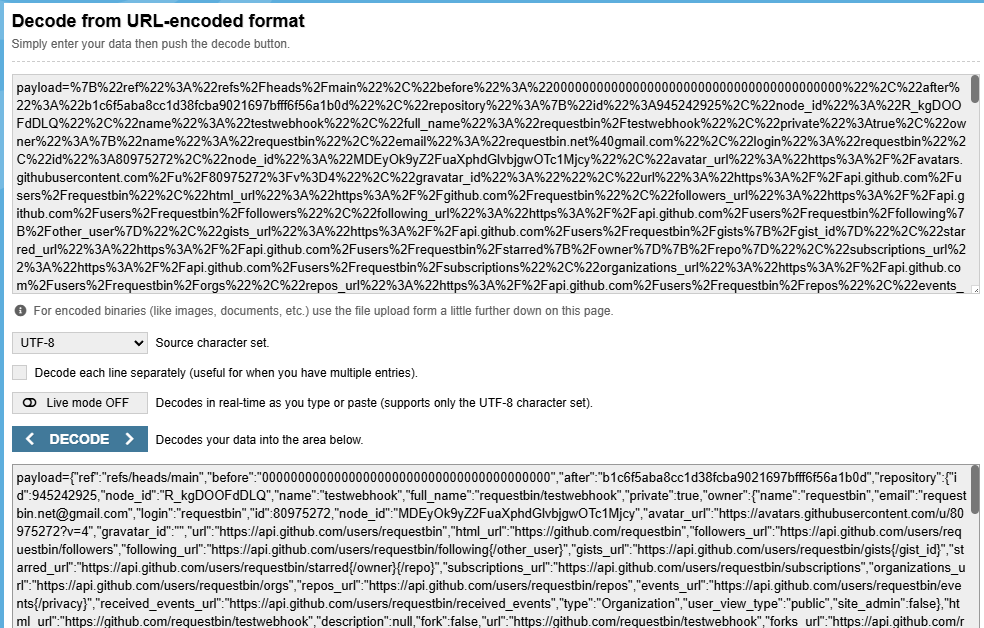
This step is crucial for spotting errors like malformed data or missing fields.
Step 5: Troubleshoot Common Issues
Use the captured data to resolve typical webhook problems:
- 404 Errors: If RequestBin logs a 404, verify the URL in your service’s webhook settings.
- Missing Data: Compare the payload with your service’s documentation to identify discrepancies.
- Authentication Issues: Check headers for tokens or keys and ensure they’re correct.
Best Practices for Debugging Webhooks
To get the most out of RequestBin.net, keep these tips in mind:
- Secure Sensitive Data: Always use a private bin for webhooks containing confidential information.
- Organize with Multiple Bins: Create separate bins for different services or test cases.
- Collaborate Easily: Share bin URLs with your team for collaborative debugging.
Conclusion
Debugging webhooks doesn’t have to be a struggle. With RequestBin.net, you can capture and analyze requests in real-time, making it an essential tool for developers and security professionals alike. By following this guide—creating a bin, setting up your webhook, sending a test, and analyzing the results—you’ll be well-equipped to tackle any webhook issue. Plus, with features like Interactsh integration and DNSBin, RequestBin.net offers even more possibilities for advanced testing.
Ready to get started? Visit RequestBin.net and create your first bin today!