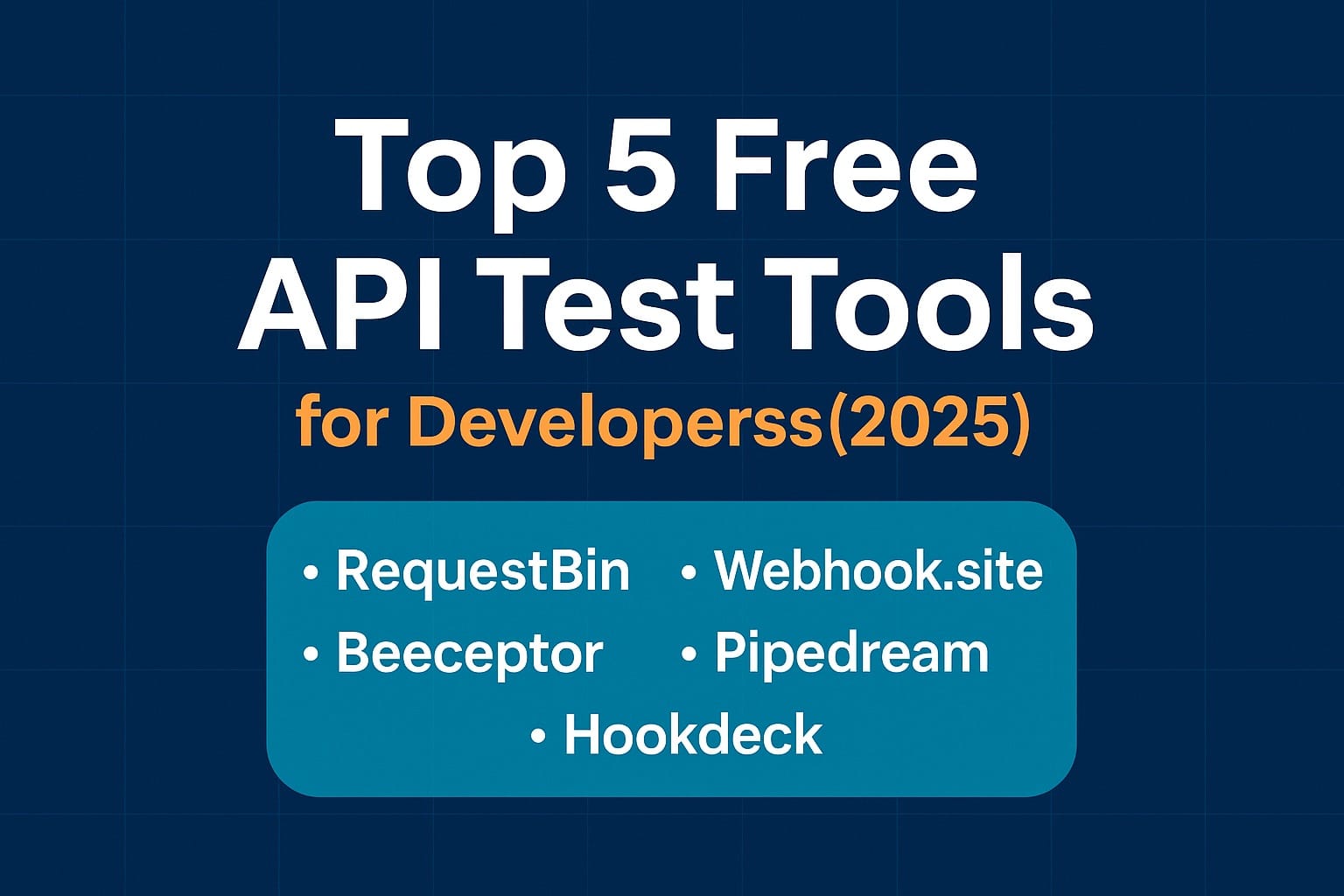
Top 5 Free API Test Tools for Developers (2025) | RequestBin vs Alternatives
Discover the top 5 free API test tools for developers in 2025. Compare features, pros, and cons of RequestBin, Beeceptor, Webhook.site, Pipedream, and Hookdeck to find the best fit for debugging, testing, and inspecting APIs.

Testing APIs is a core task for developers—whether you’re debugging requests, inspecting headers, or validating webhook payloads. But setting up servers, managing logs, and tracing raw HTTP traffic can be time-consuming.
Luckily, there are free API test tools that make the process simple: they give you temporary endpoints, capture requests, and let you inspect data in real time. In this article, we’ll compare the top 5 free API test tools in 2025—including RequestBin, Beeceptor, Webhook.site, and others—to help you choose the right one.
Why Use Free API Test Tools?
- Fast debugging: Instantly see headers, body, and metadata without setting up infrastructure.
- Webhook inspection: Test services like Stripe, GitHub, or Twilio before going live.
- Team collaboration: Share captured requests with teammates.
- Security testing: Validate headers, authentication, and signature flows.
The Top 5 Free API Test Tools (2025)
Here are the most popular free tools for developers this year:
- RequestBin
- Beeceptor
- Webhook.site
- Pipedream RequestBin Alternative
- Hookdeck (Free Tier)
Comparison Table
| Tool | Free Features | Pros | Cons |
|---|---|---|---|
| RequestBin | Temporary endpoints, request inspection, forwarding, collaboration | Simple UI, real-time capture, supports debugging webhooks, can forward to local dev | Free bins may expire, advanced features require setup |
| Beeceptor | Create mock endpoints, request inspection, custom rules | Great for API mocking, rule-based responses, easy to share | Limited request logs in free tier, rules restricted |
| Webhook.site | Instant unique URL, captures requests, allows custom responses | Very simple, powerful for quick debugging, supports email/websocket | UI less friendly for teams, free bins public by default |
| Pipedream | Free workflows, capture requests, trigger serverless functions | Great for automation, integrates with many APIs, free generous tier | More complex setup than lightweight tools |
| Hookdeck | Webhook testing, reliable delivery, logging, retries | Focus on webhook reliability, retries & queuing | More specialized (not general-purpose API testing) |
Tool-by-Tool Breakdown
1. RequestBin
Website: https://requestbin.net
Best for: Webhook testing, quick request inspection, debugging in development.
Pros
- Extremely easy to use (create an endpoint in one click).
- Real-time inspection of headers, body, and metadata.
- Forwarding to local dev servers for end-to-end testing.
- Great for testing authentication headers and webhook signatures.
Cons
- Free bins are temporary (not persistent storage).
- Advanced integrations may need setup beyond the free tier.
2. Beeceptor
Website: https://beeceptor.com
Best for: API mocking and debugging.
Pros
- Lets you create a custom domain endpoint.
- Rule-based mocking (return different responses depending on request).
- Great for simulating APIs before they exist.
Cons
- Free plan has limited rules and request history.
- More focused on mocking than pure request inspection.
3. Webhook.site
Website: https://webhook.site
Best for: Quick ad-hoc request inspection.
Pros
- Instant URL generation.
- Supports editing responses and inspecting queries.
- Can be used for email/websocket testing too.
Cons
- Free endpoints are public, meaning others could guess them.
- Not designed for long-term or team collaboration.
4. Pipedream
Website: https://pipedream.com
Best for: Connecting APIs and building automation.
Pros
- Captures requests and lets you trigger workflows.
- Free tier with many integrations (Slack, GitHub, Google, etc.).
- Stores and manages request history.
Cons
- Steeper learning curve than lightweight alternatives.
- May feel like overkill if you just need quick request capture.
5. Hookdeck
Website: https://hookdeck.com
Best for: Webhook reliability and delivery.
Pros
- Focused on webhook resilience (queueing, retries, monitoring).
- Good for production-level webhook reliability testing.
- Free tier for developers to test webhook workflows.
Cons
- Less useful for general-purpose API testing.
- Advanced features locked to paid tiers.
Why RequestBin is a Strong Choice
If you need a simple, reliable, and free API test tool for day-to-day debugging, RequestBin is often the best choice. Here’s why:
- Quick setup: One click, and you have an endpoint.
- Focus on developers: Built specifically for webhook and API testing, not a general-purpose automation tool.
- Transparency: You see exactly what your provider sent—headers, body, metadata, and timestamps.
- Forwarding: You can forward to localhost, so you debug both incoming payloads and how your app handles them.
- Security testing: Great for verifying HMAC signatures, authentication tokens, and header-based auth flows.
For many developers, RequestBin strikes the perfect balance between simplicity and power.
Conclusion
All five tools in this list have their place in a developer’s toolbox.
- If you want mocking and rules, try Beeceptor.
- If you need quick and dirty request capture, Webhook.site is handy.
- If you’re automating workflows, Pipedream shines.
- For webhook resilience, Hookdeck is excellent.
- But for straightforward debugging, testing, and secure request inspection, RequestBin remains one of the strongest free API test tools in 2025.
🚀 Ready to test your next webhook or API call?
Start with RequestBin today → https://requestbin.net